TweakTick vs BugSmash
| Topic | TweakTick | BugSmash |
|---|---|---|
| Approve step | Yes | Yes |
| Sign-off record | Yes | Not found |
| Free plan | Yes | Yes |
Where BugSmash is ahead: Ships new features about every two weeks.
See the comparison with BugSmashPDF proofing
Upload the PDF and send one link. Your client comments on the exact spot, or on the exact words, and approves the round when it’s right.
How it works
Start a PDF project and upload the file. TweakTick turns every page into a strip your client can scroll. Then send the review link.
They click a page to drop a numbered pin and type what to change. Your team replies on the pin, so each point stays in one thread.
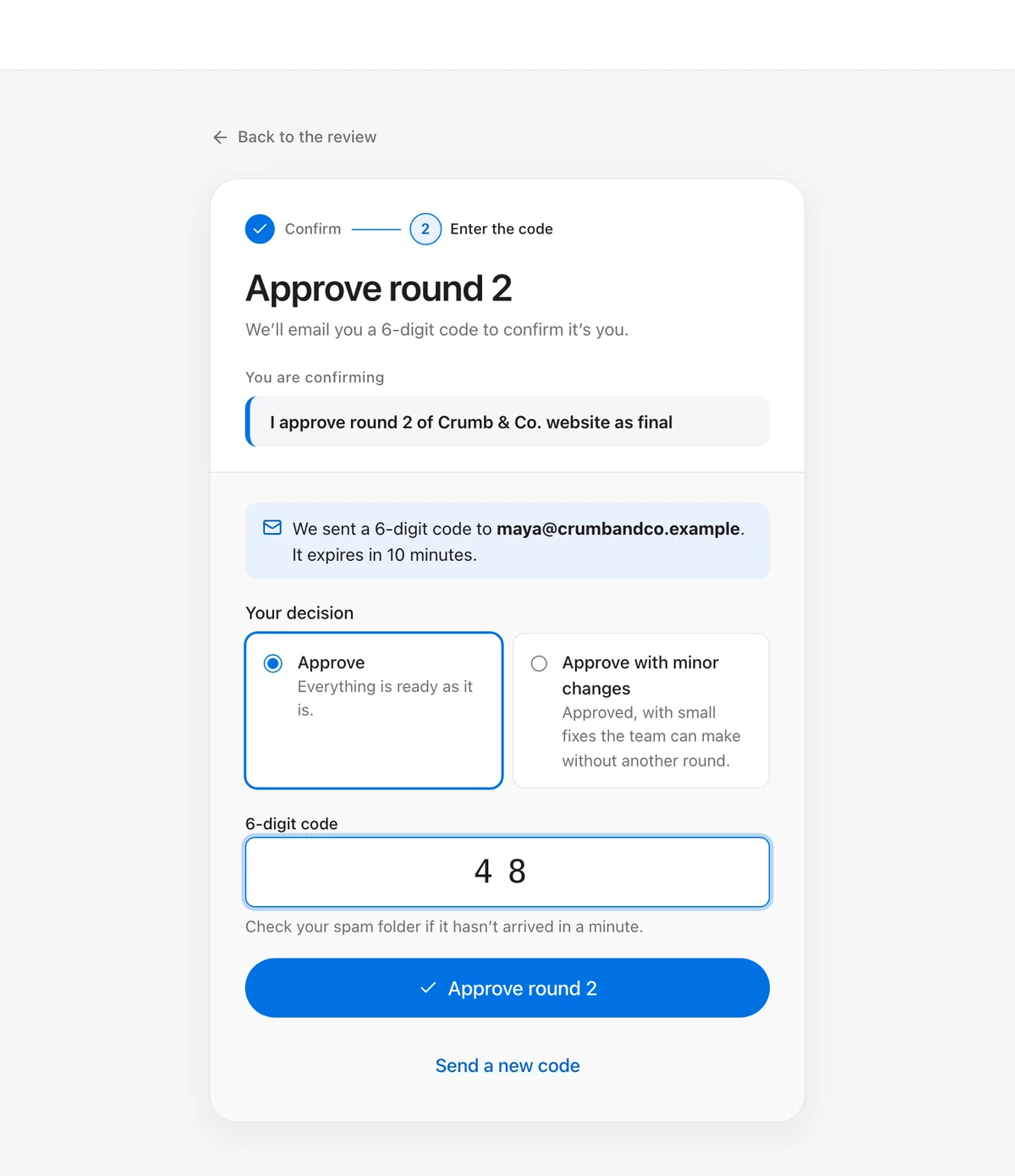
Upload a new version as round 2, and the next. When it’s right, your client presses Approve and confirms with a 6-digit code from their email.
Approving works the same for a PDF as for a website: a 6-digit code sent to your client’s email confirms it was them.
No. Your client opens the link you send, comments and approves. They never create an account or a password.
Yes. They press Select text, select the words and comment on them. The words stay highlighted with the comment’s number. Scanned pages have no text to select, so they get pins instead.
Yes, up to 10 files, for example a brochure, a flyer and a price list. Your client reviews them with a file menu and approves them all at once.
Up to 50 MB, and your plan may allow less. A bigger file is refused before it uploads, with the limit shown.
The original file and every page. The sign-off record stores a fingerprint (a SHA-256 hash) of each, with who approved, the exact sentence they agreed to and when.
Yes. TweakTick turns them into PDF pages you can pin, the same way.
Compare
Every claim links to its source, including where they’re ahead.
| Topic | TweakTick | BugSmash |
|---|---|---|
| Approve step | Yes | Yes |
| Sign-off record | Yes | Not found |
| Free plan | Yes | Yes |
Where BugSmash is ahead: Ships new features about every two weeks.
See the comparison with BugSmash| Topic | TweakTick | MarkUp.io |
|---|---|---|
| Approve step | Yes | Partly |
| Sign-off record | Yes | Partly |
| Free plan | Yes | No |
Where MarkUp.io is ahead: More file types: web, images, PDF, video and “30+ types”.
See the comparison with MarkUp.io| Topic | TweakTick | Pastel |
|---|---|---|
| Approve step | Yes | Yes |
| Sign-off record | Yes | Partly |
| Free plan | Yes | Yes |
Where Pastel is ahead: More formats: web, images, PDF, video, emails, HTML and XD.
See the comparison with Pastel| Topic | TweakTick | ruttl |
|---|---|---|
| Approve step | Yes | Not found |
| Sign-off record | Yes | Not found |
| Free plan | Yes | Yes |
Where ruttl is ahead: Covers web apps and mobile apps as well as websites, images, PDFs and recordings.
See the comparison with ruttl| Topic | TweakTick | BugHerd |
|---|---|---|
| Approve step | Yes | Not found |
| Sign-off record | Yes | Partly |
| Free plan | Yes | No |
Where BugHerd is ahead: Built for bug tracking: a kanban board, element details and two-way sync with project tools.
See the comparison with BugHerdEach row is read from the full comparison page, where every fact has its source (checked 20 Oct 2026).
New in November 2026, so you talk to the founder, not a ticket queue.
Websites, images, PDFs and video in one place. Your client never makes an account.